Custom Minecraft Furniture Datapack Maker
NOTICE: This datapack generator has only been tested on Minecraft versions 1.21.9 and 26.2. Any version after 1.21.8 should work, but they have not been tested.
Have you ever wished that Minecraft had more furniture? Well, with this website, you can make anything your heart desires into a place-able and break-able block! Just follow the tutorial below to get your datapack, and start creating!
Tutorial
1: Click [+ Add Furniture Set] if there isn't already a furniture set shown.
2: Click [+ Model Command], and add a command from Block Display Engine. If there are multiple commands in the model you want, click [+ Model Command] again.
3: Name your model in the [Name] input box
4: In the [Tag] input box, the input should be the same as the name, but all lowercase and with underscores instead of spaces.
5: Decide what Minecraft item or block you want the place-able item to look like, and then put that into [Item Model]. This input NEEDS TO BE in this format:
minecraft:item_id
If you're using a resource pack that adds new textures, replace "minecraft" with your namespace. The "item_id" part should usually be whatever is shown beneath the item when you do F3+H, though there are some exceptions.
6: Click [Update], then click [Create Datapack], and your datapack should begin downloading! Put the zip file in your world's datapacks folder, and unzip it. If your world is currently open, exit and rejoin to view the changes.
There are a few optional inputs as well,
Name Color is a hex selector
Facing Type is a dropdown with a few options for how the model should act when placed
Craftable is a checkbox that opens a recipe maker, which takes item ids, similarly to the item model.
Variants literally finds a text snippet from your inputs, and makes a copy with all instances of it replaced with another text snippet. This is case sensitive though, and doesn't account for duplicated tags. So, make sure that at least a part of your tag is replaced with something else. This will allow you to, for example, replace every block from the model with "birch" in the name with it's "oak" counterpart.
Variants also work on heads! If you take the textureValue of the default head, and make a variant that replaces it with another textureValue, it will let you change any head to any other head!
Add one of the following commands to your Model Commands list in order to give the blocks collision
For 1x1 collision (Recommended) (This will have the same collision as a full block)
summon shulker ~ ~ ~ {NoGravity:1b,Silent:1b,Invulnerable:1b,DeathLootTable:"minecraft:empty",PersistenceRequired:1b,NoAI:1b,CanPickUpLoot:0b,AttachFace:0b,Tags:["dbcf_furniture"],active_effects:[{id:"minecraft:invisibility",amplifier:1,duration:-1,show_particles:0b}],attributes:[{id:"minecraft:scale",base:1}]}
For 0.5x0.5 collision (For smaller objects) (This will have the same collision as a head)
summon shulker ~ ~ ~ {NoGravity:1b,Silent:1b,Invulnerable:1b,DeathLootTable:"minecraft:empty",PersistenceRequired:1b,NoAI:1b,CanPickUpLoot:0b,AttachFace:0b,Tags:["dbcf_furniture"],active_effects:[{id:"minecraft:invisibility",amplifier:1,duration:-1,show_particles:0b}],attributes:[{id:"minecraft:scale",base:0.5}]}
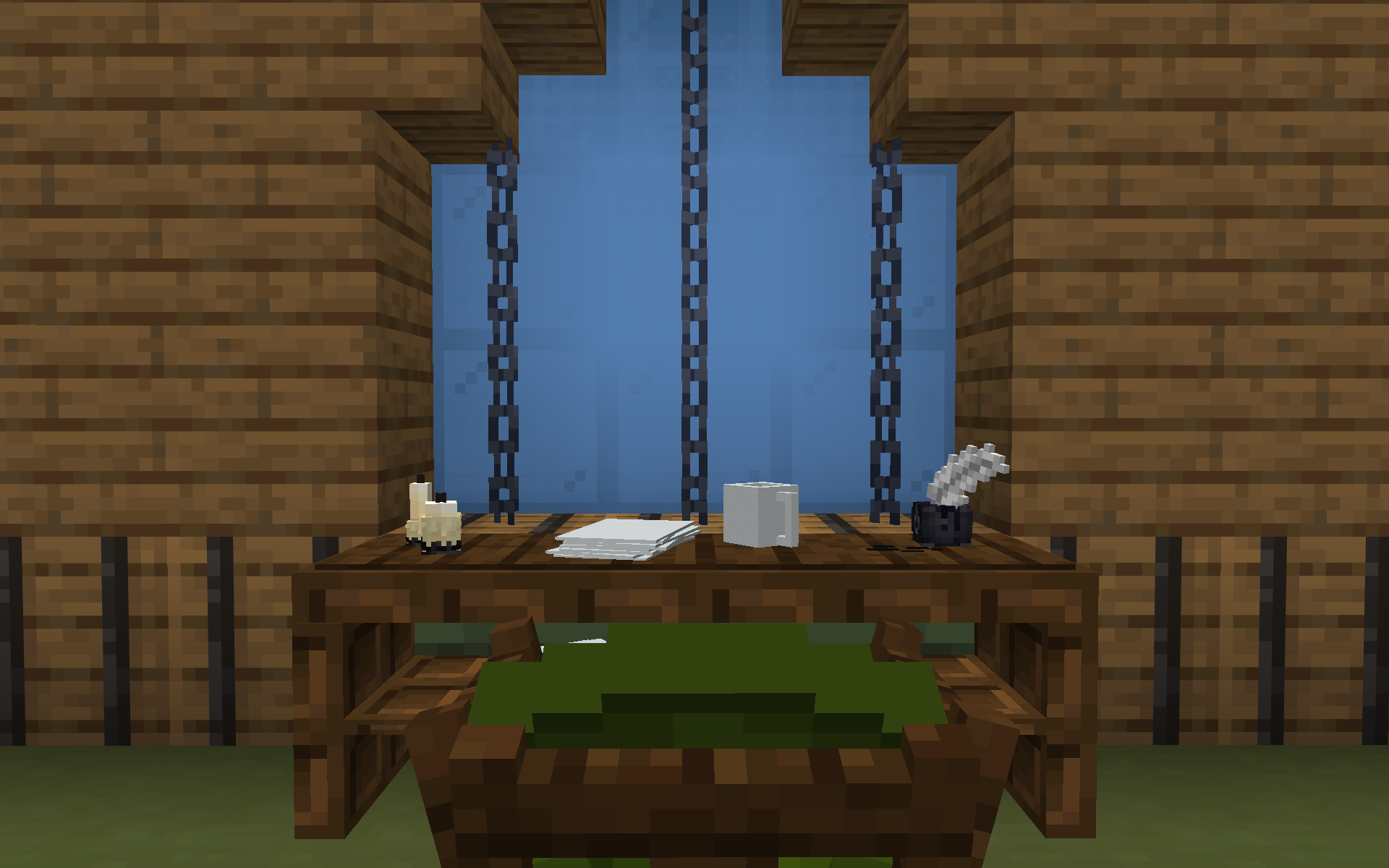
Credit to reset300 and TripletOwn on BDEngine for the models used in the thumbnail.
Leave a comment
Log in with itch.io to leave a comment.